
sXRetch — Image to USDZ/GLB
Place any image in your space as an XR sketch — instantly, in your browser.
Works instantly with Xcode, Android Studio, and XR tools for quick prototypes or simple moments of wonder
Built in a weekend for Celeste, who wanted to step inside her drawings
Upload 1 image and get a USDZ/GLB “backwall” plane in XR for UI mockups, photos, or scanned drawings.
Upload 5 images and get an immersive XR scenography with five textured surfaces.
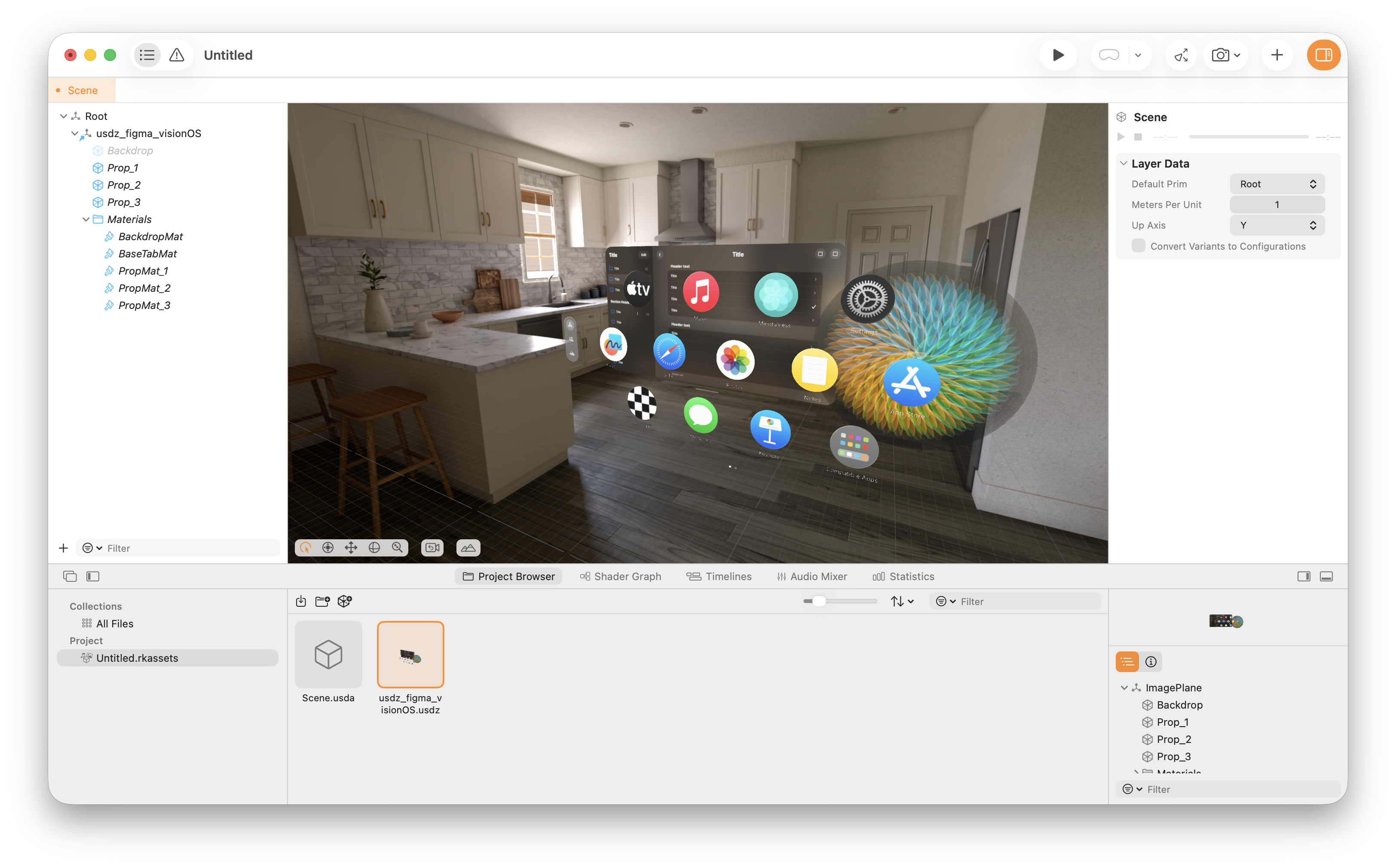
Generate USDZ + GLB, preview on iPhone/Android, and prototype in Xcode/Android Studio — or drag USDZ into Keynote. Export from Figma and test.
One image: keeps original aspect ratio (no crop).
Five images: each texture is auto-cropped to a square for convenience.

02 — Optional settings Size, orientation, and export options. Open Close
One Saturday afternoon, my daughter Celeste — five years old — watched Mary Poppins (Robert Stevenson, 1964) step inside a drawing and asked: “Papà, can we do that with the computer?”
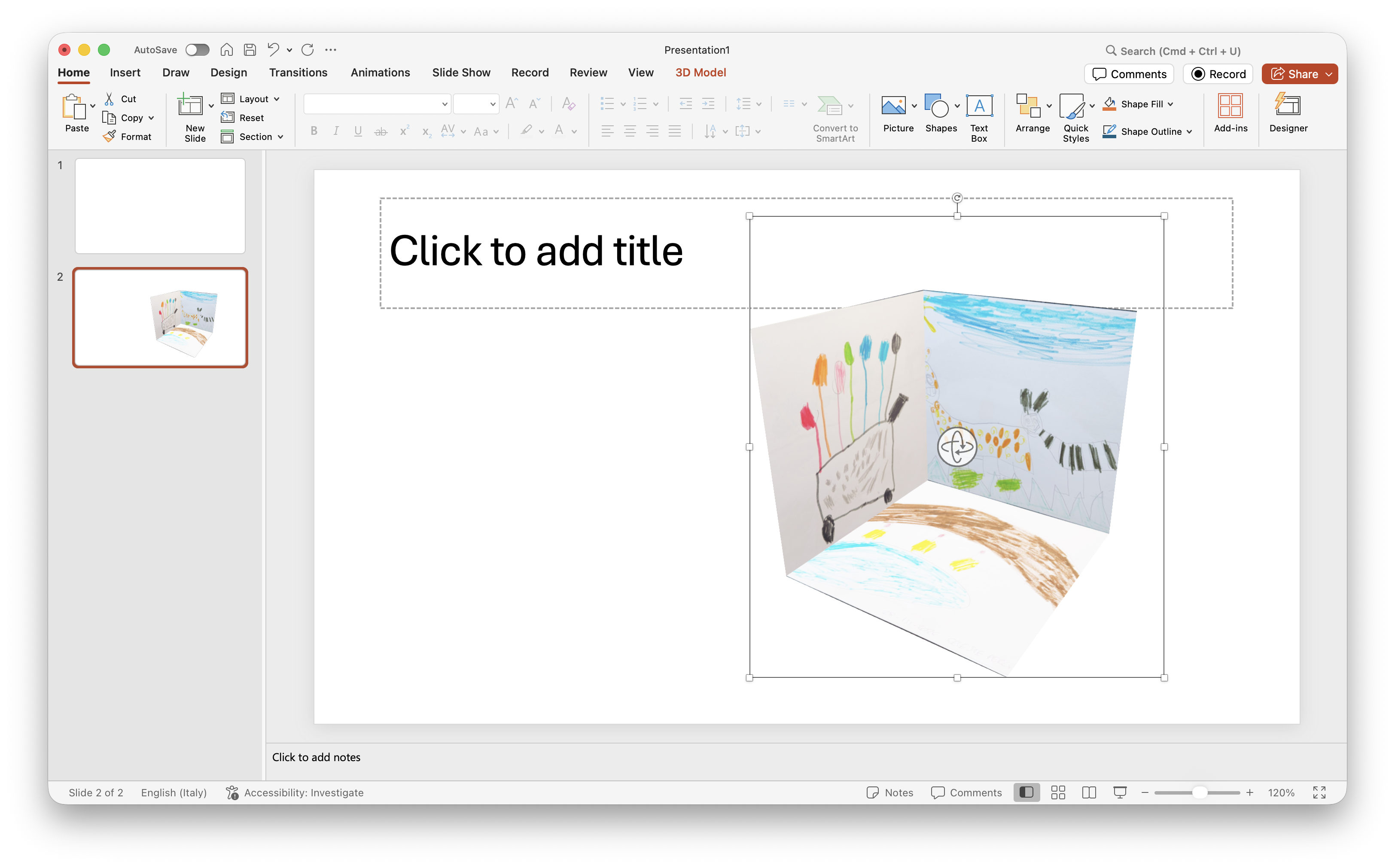
By the end of that afternoon, we could. Celeste’s drawing was floating in our living room on an iPhone.
What started as a family experiment became something that didn’t quite exist yet: a tool that converts any image into an XR-ready 3D file in seconds, entirely in your browser, with no upload and no installation. Useful for a five-year-old’s drawings. Equally useful for an XR student who wants to drag a sketch directly into Xcode, Reality Composer, or Keynote.
Photograph the drawing. Generate the file. Open it on your phone.
It will be there, in your room, at real scale. No account. No cloud. No subscription.
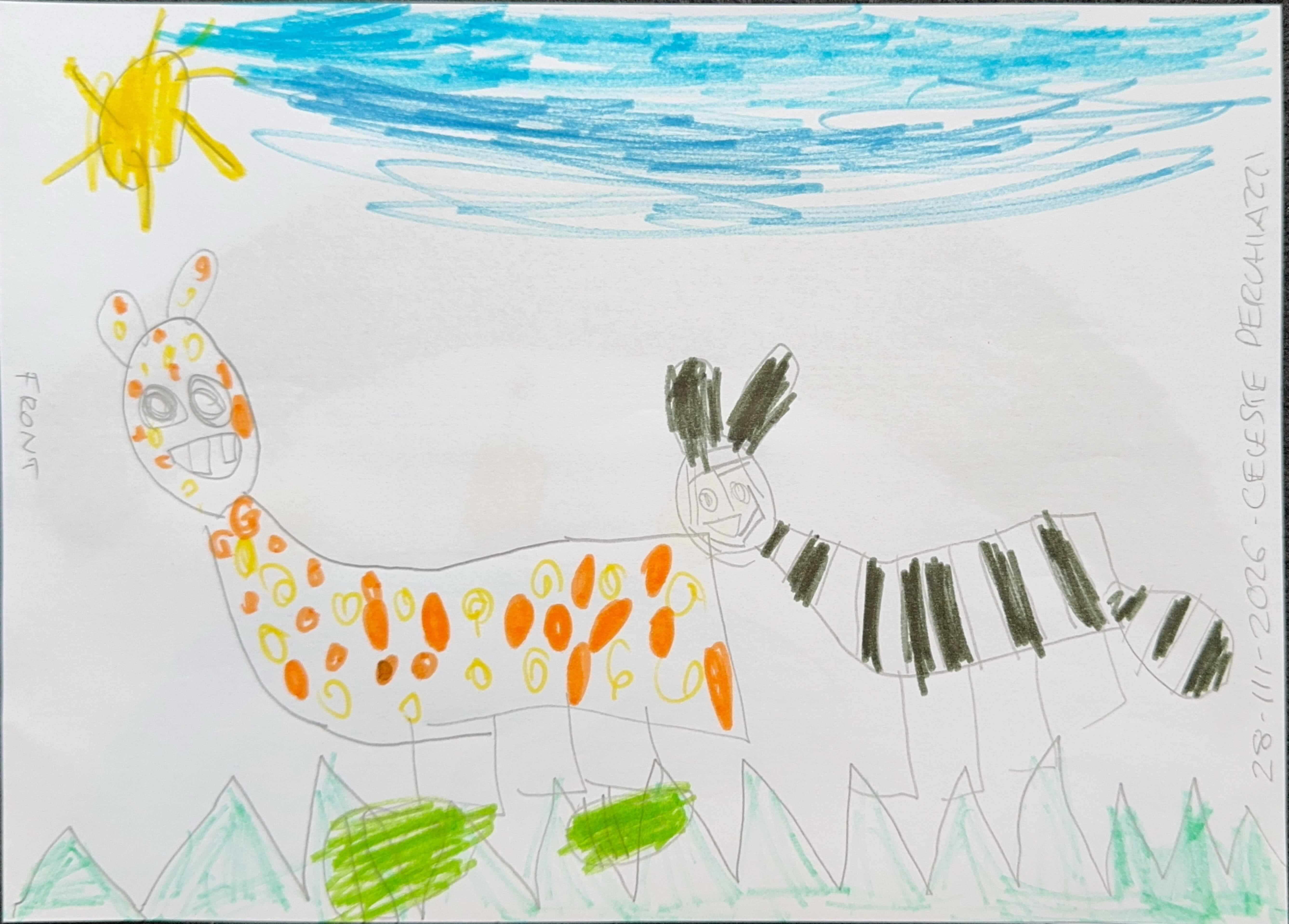
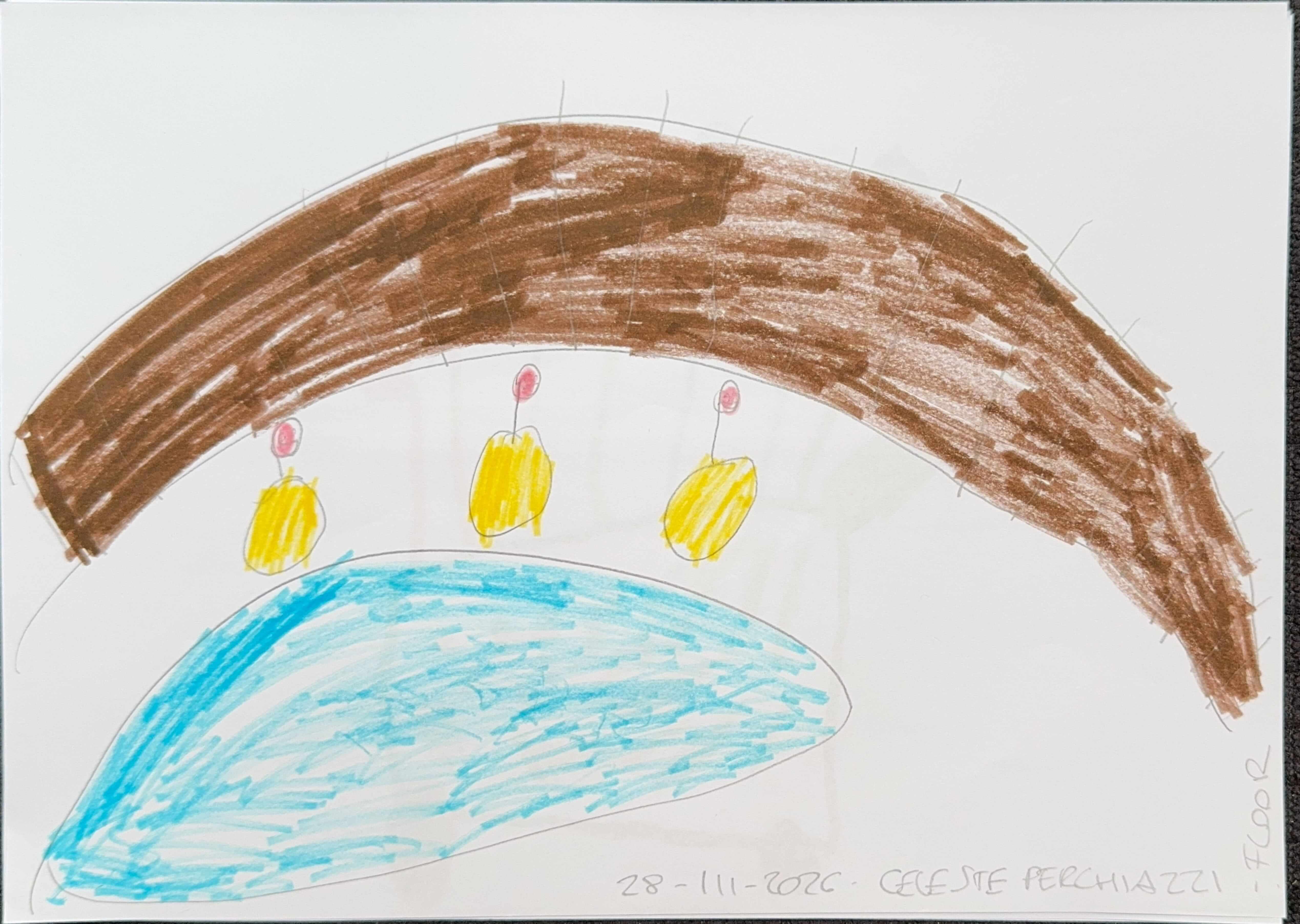
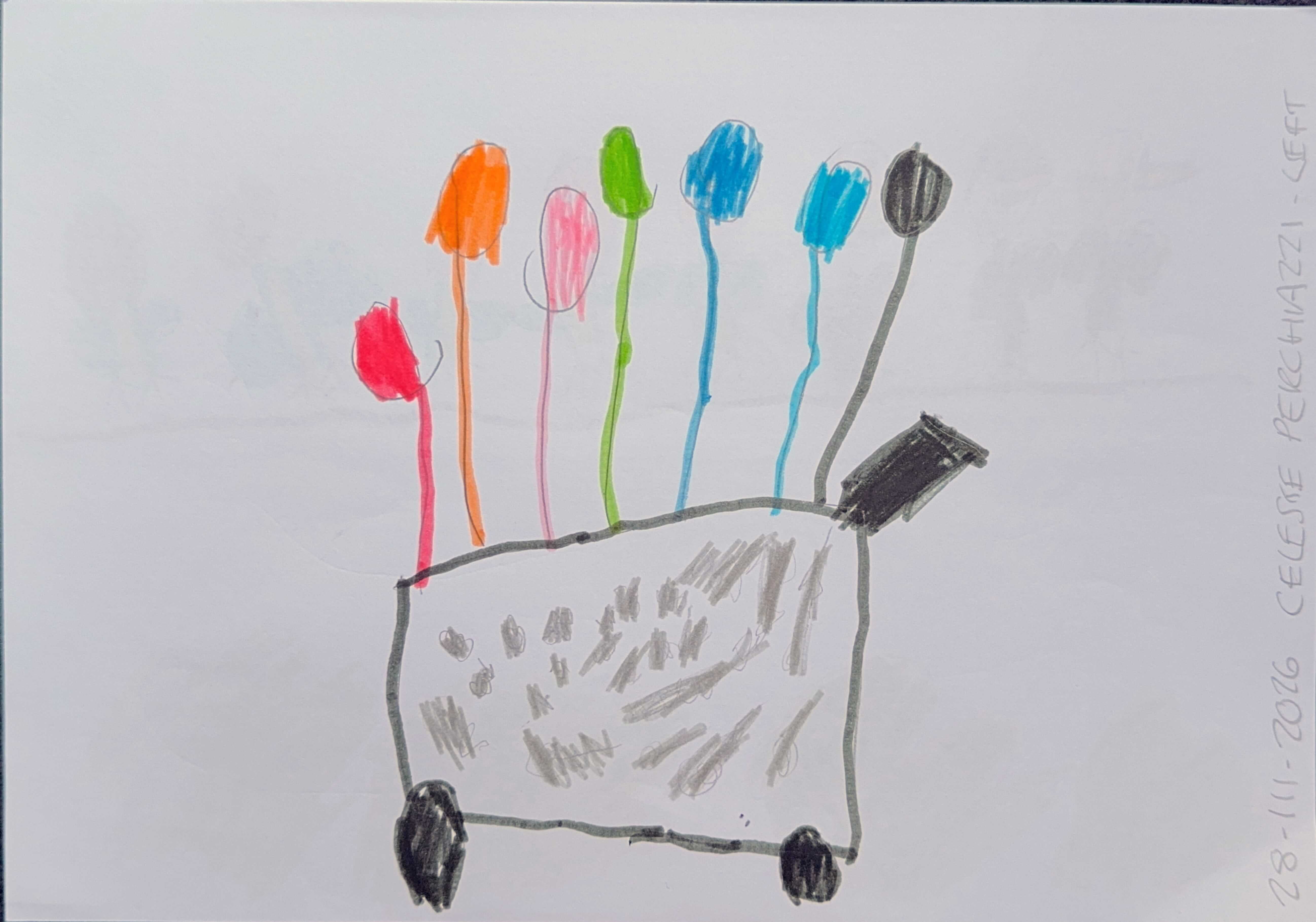
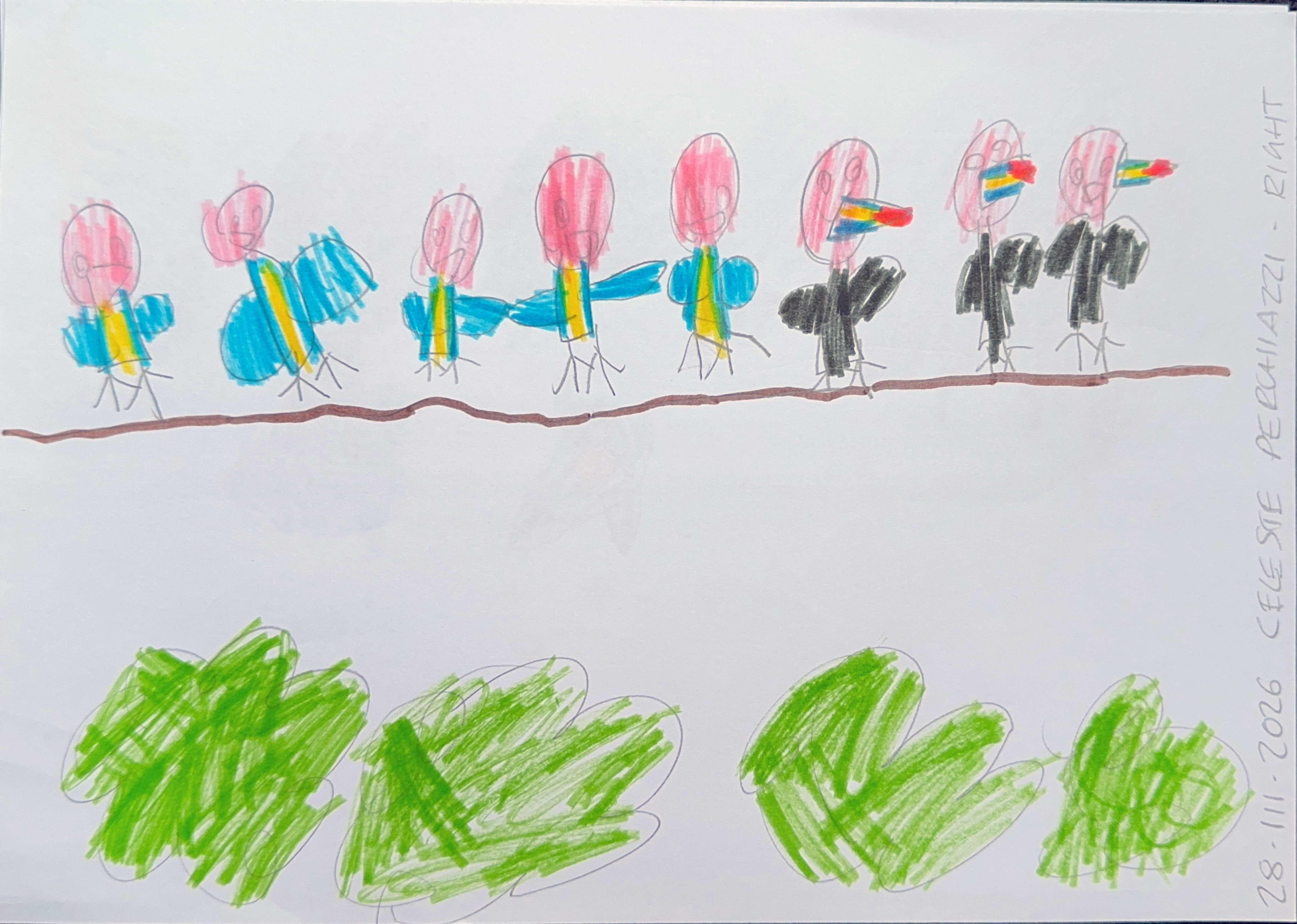
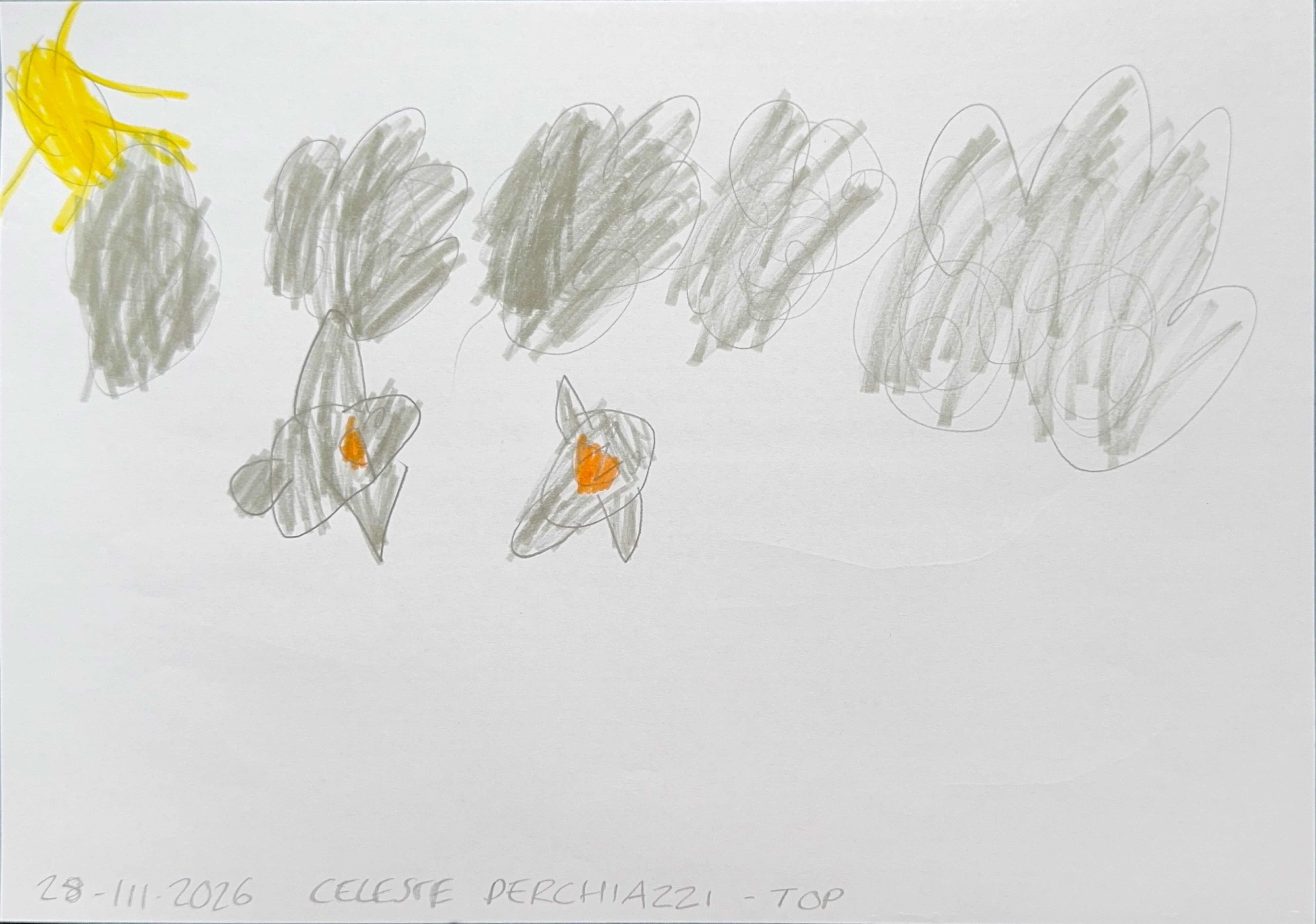
Download Celeste’s model.
Figma → export → preview in Reality Composer Pro or Keynote.
For presentations, export GLB and drag it into Microsoft PowerPoint.
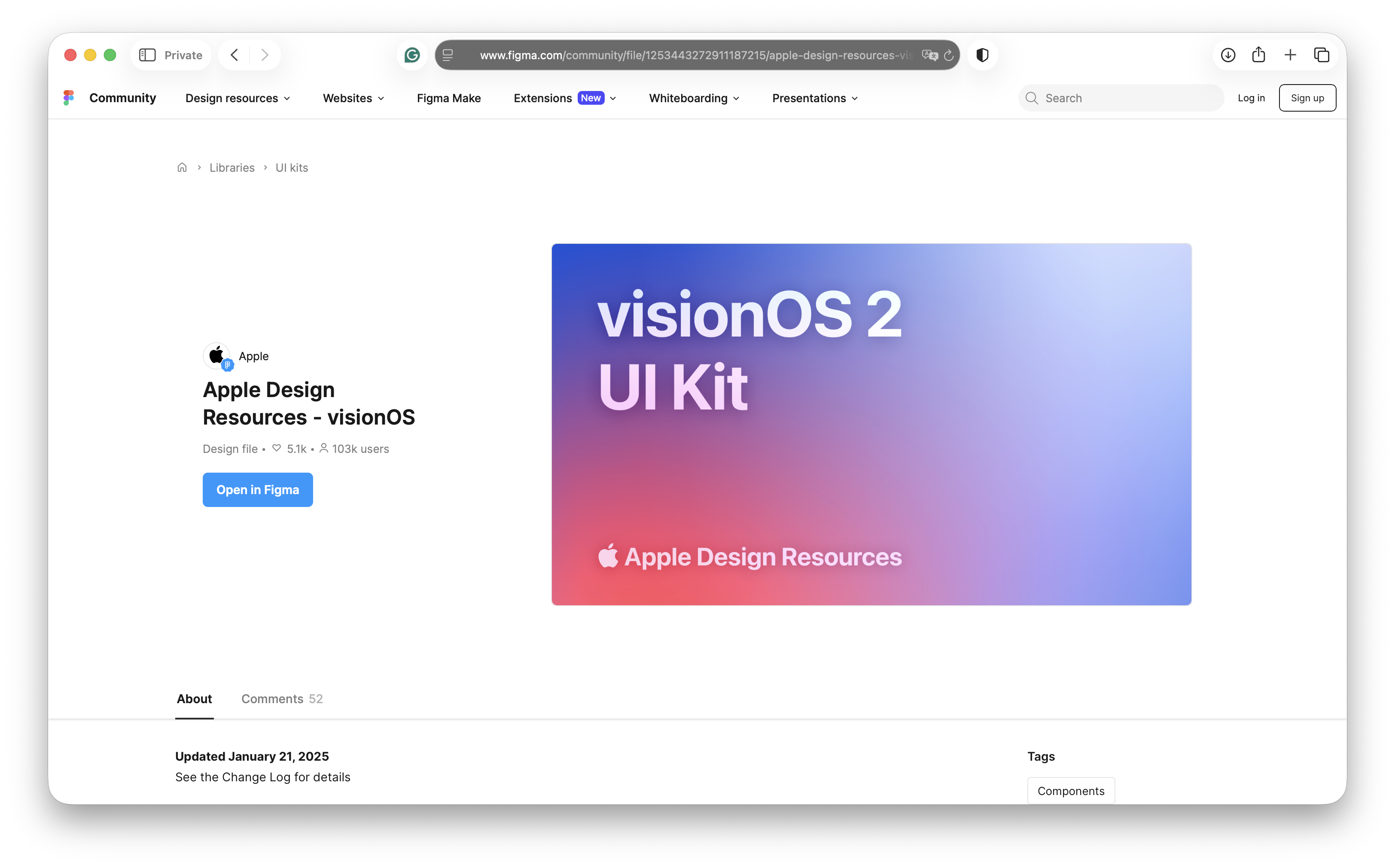
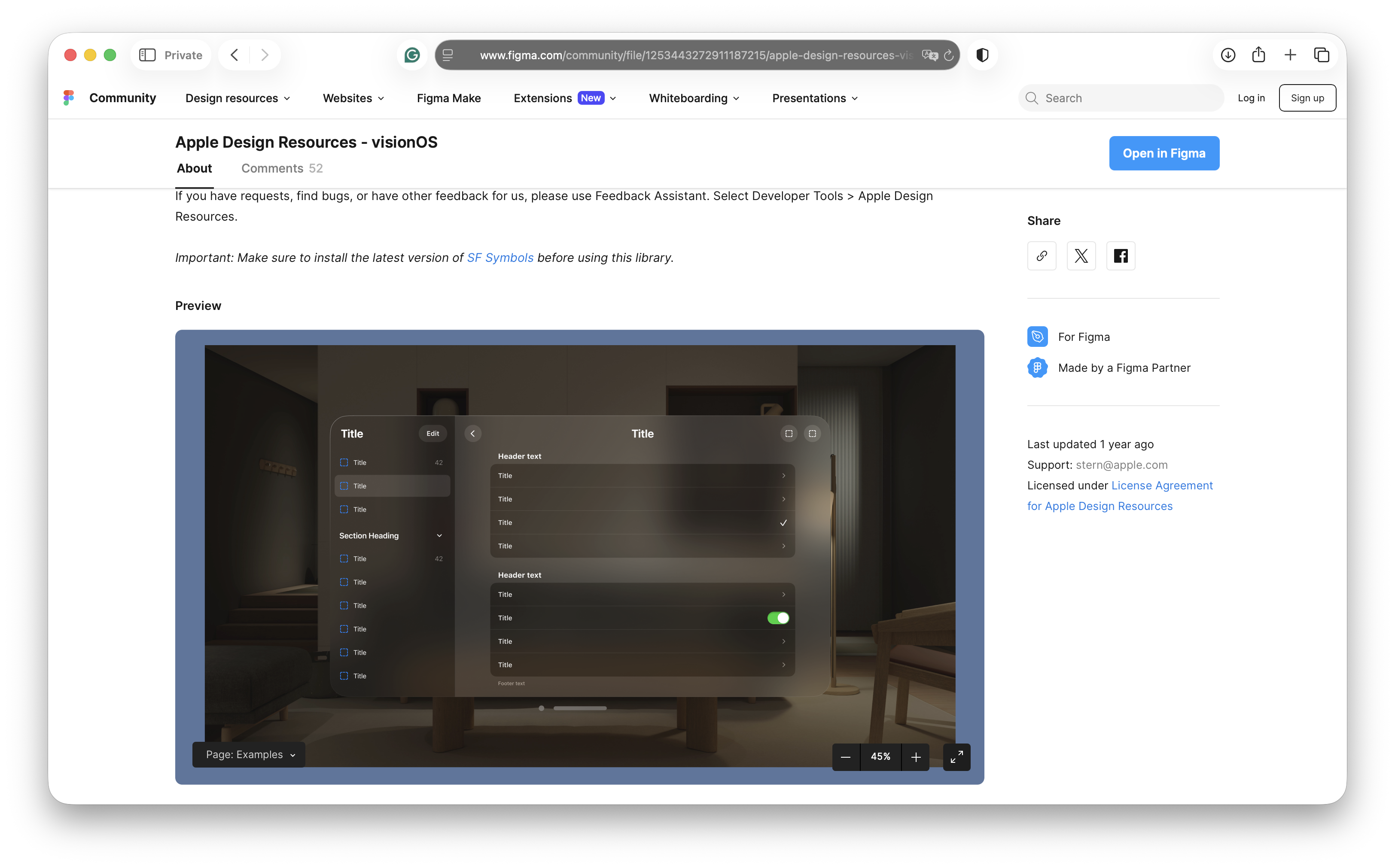
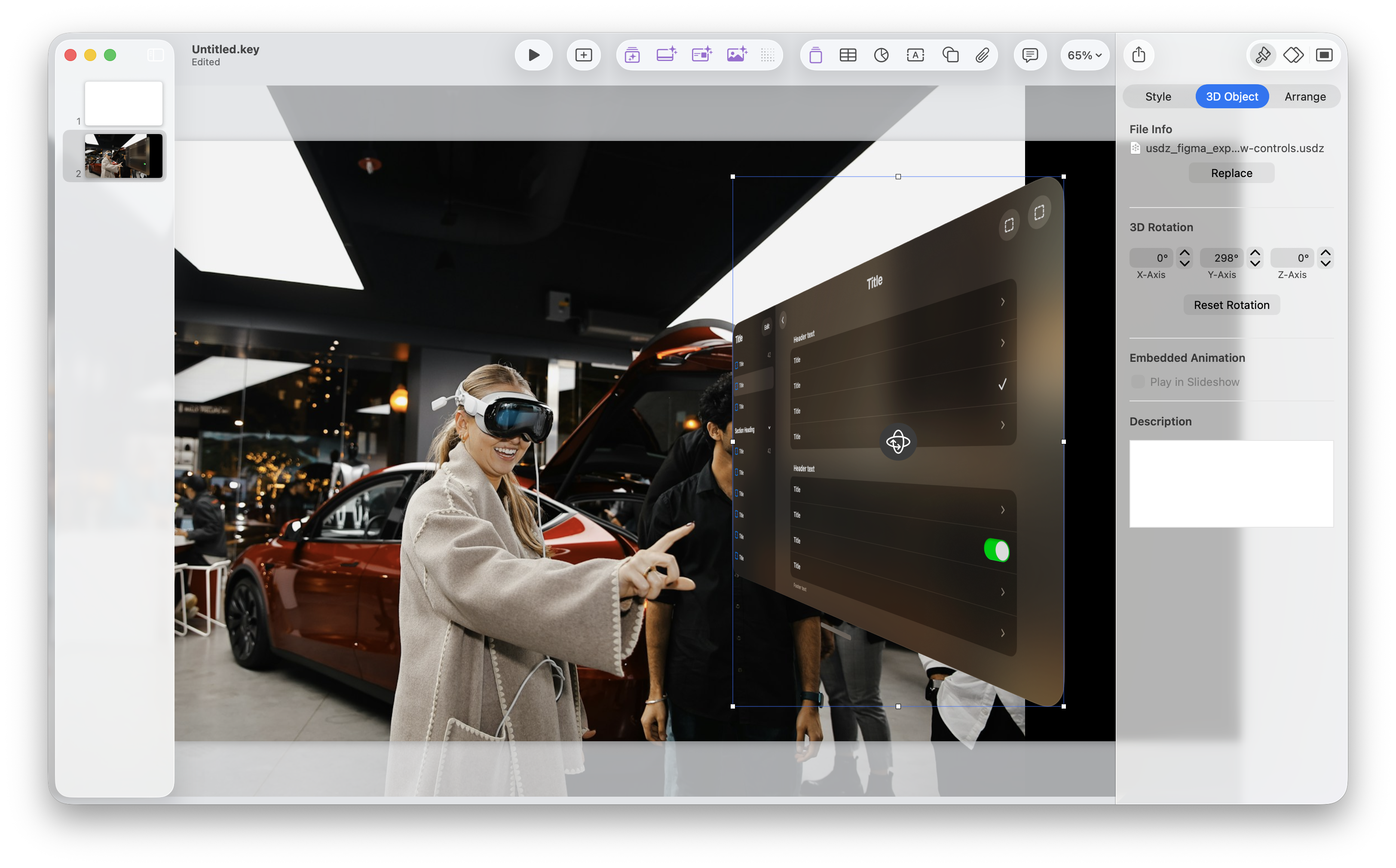
Download the demo model.
Keynote example photo by Ali Colak on Unsplash.