
Compose your scenography
Upload your backdrop first — then add up to 5 panels, one per depth plane.
Your drawings, your stage.
or

02 — Optional settings Size, orientation, and export options. Open Close
It started with Celeste watching Mary Poppins. When they jumped into the chalk drawing on the pavement, she asked: “Papà, can we do that with the computer?” By the end of that afternoon, her own drawing was floating in our living room on an iPhone. That became sXRetch, a simple tool to turn a single image into an XR prop. TheaXRe is what came next.
Bruno Perchiazzi
Bruno Perchiazzi is a geometra (a technical draughtsman-surveyor) who spent his career at Aeritalia and later at CIRA, the Italian Aerospace Research Centre. Trained in hand lettering, rapidograph, and freehand architectural drawing, his university studies in architecture were interrupted by the student movements of 1968, a silent cost paid by an entire generation. But architecture never left him. It simply found another home: the presepe (the Neapolitan nativity scene tradition).
For my father, building a presepe is not a matter of seasonal decoration, but a serious act of spatial composition. Over the decades, he has built ancient Campanian hilltop towns, rocky grottos, stone arches, and candlelit streets, translating precise urban textures into cork, plaster, and moss. The same spatial intelligence that would have gone into buildings went instead into landscapes at 1:87 scale. TheaXRe gives him—and the thousands of presepe builders, puppet theatre makers, set designers, and diorama builders like him—a way to see those compositions standing in real space before the first piece of cork is cut.
Bruno’s work is a masterclass in architectural storytelling. His most notable exhibition, the traditional Neapolitan Crib hosted at the Chapel Royal in Dublin Castle, exemplifies his meticulous approach to the craft.
His methodology is deeply rooted in his architectural background. Before the final scene is constructed, he begins with a precise 1:10 diorama phase—a miniature prototype where spatial relationships, lighting, and composition are rigorously tested. This is where the magic of forced perspective is perfected, creating an illusion of vast, winding cityscapes and infinite depth within a strictly confined physical space. It is this exact process of spatial prototyping that TheaXRe aims to augment, allowing the diorama phase to be experienced at true scale through mixed reality.
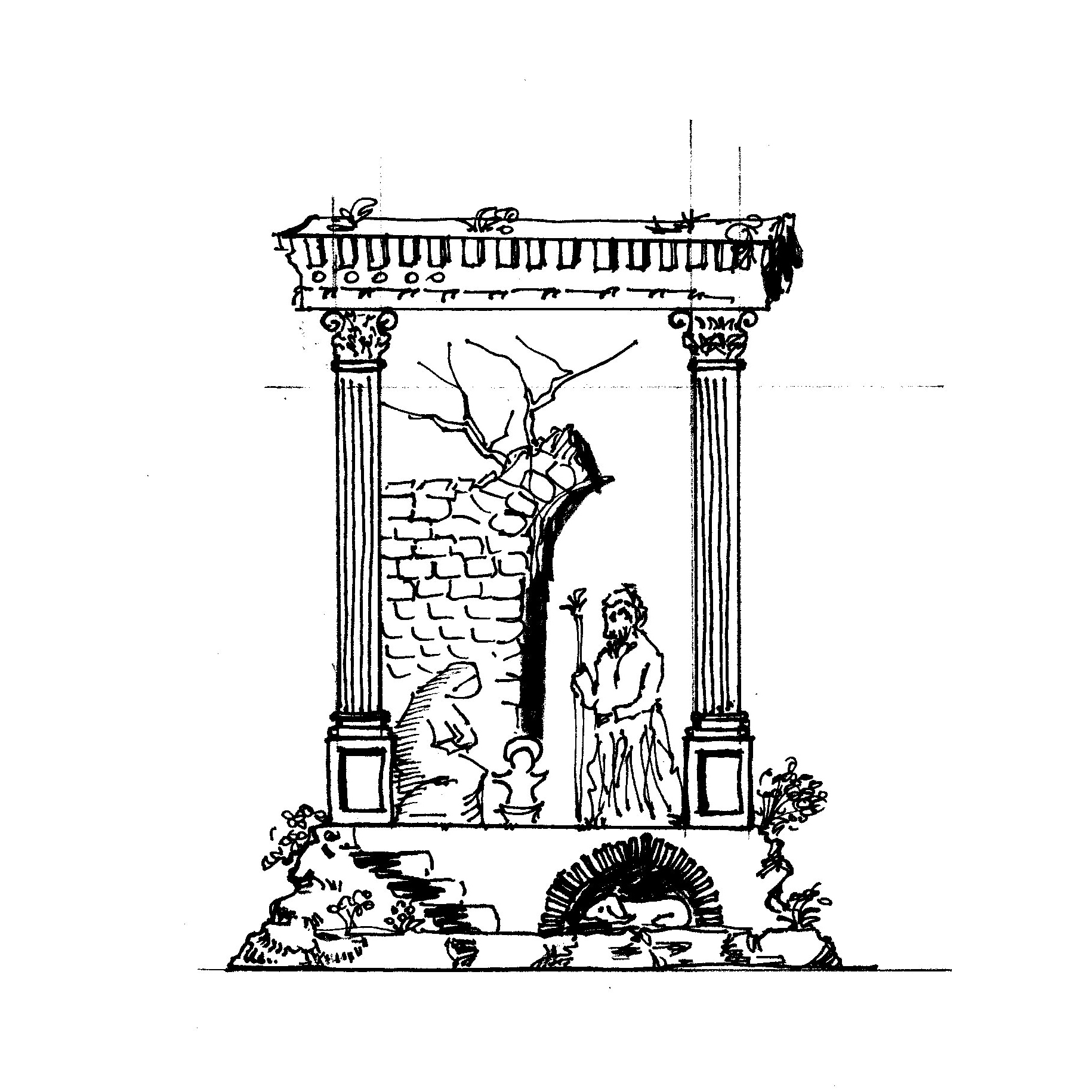
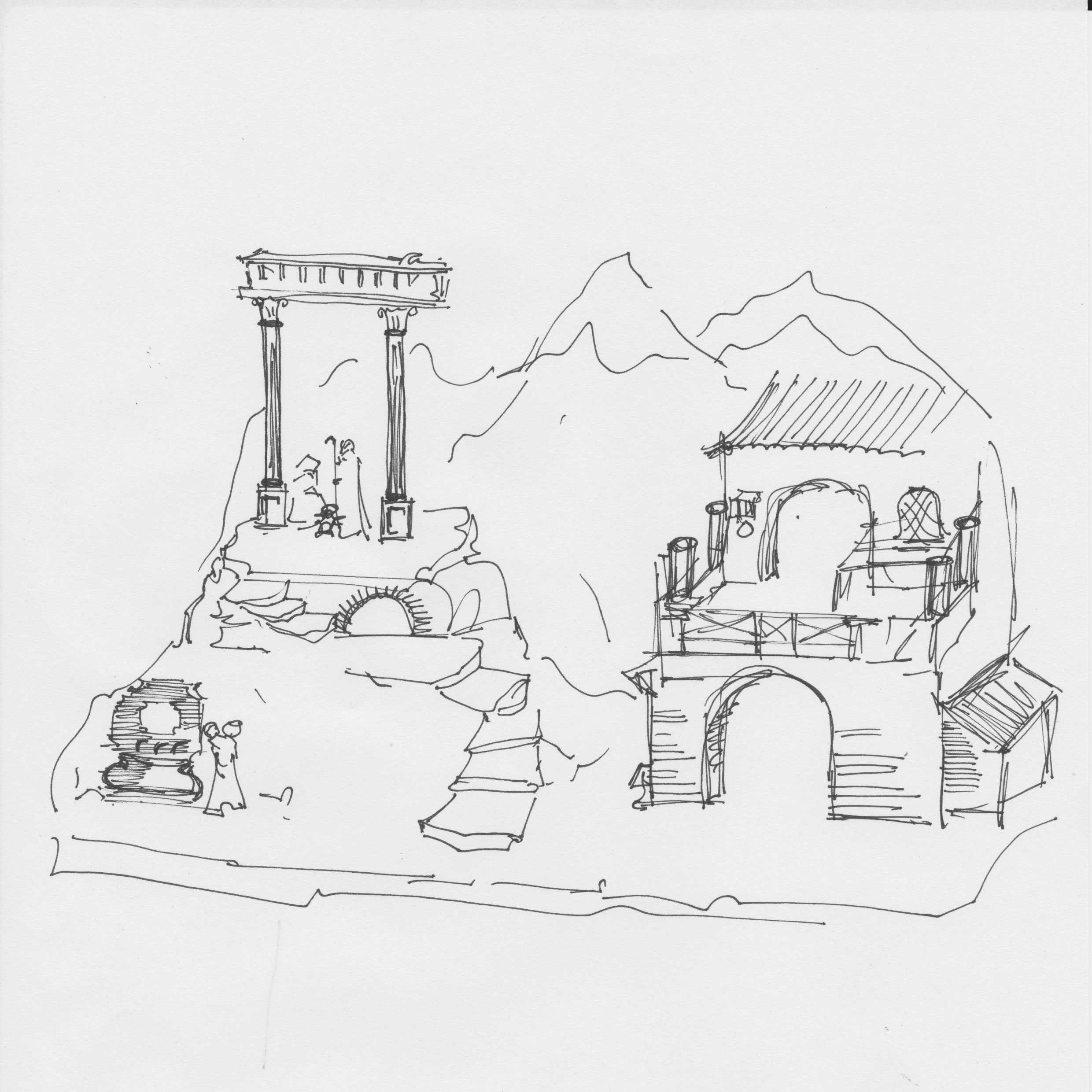
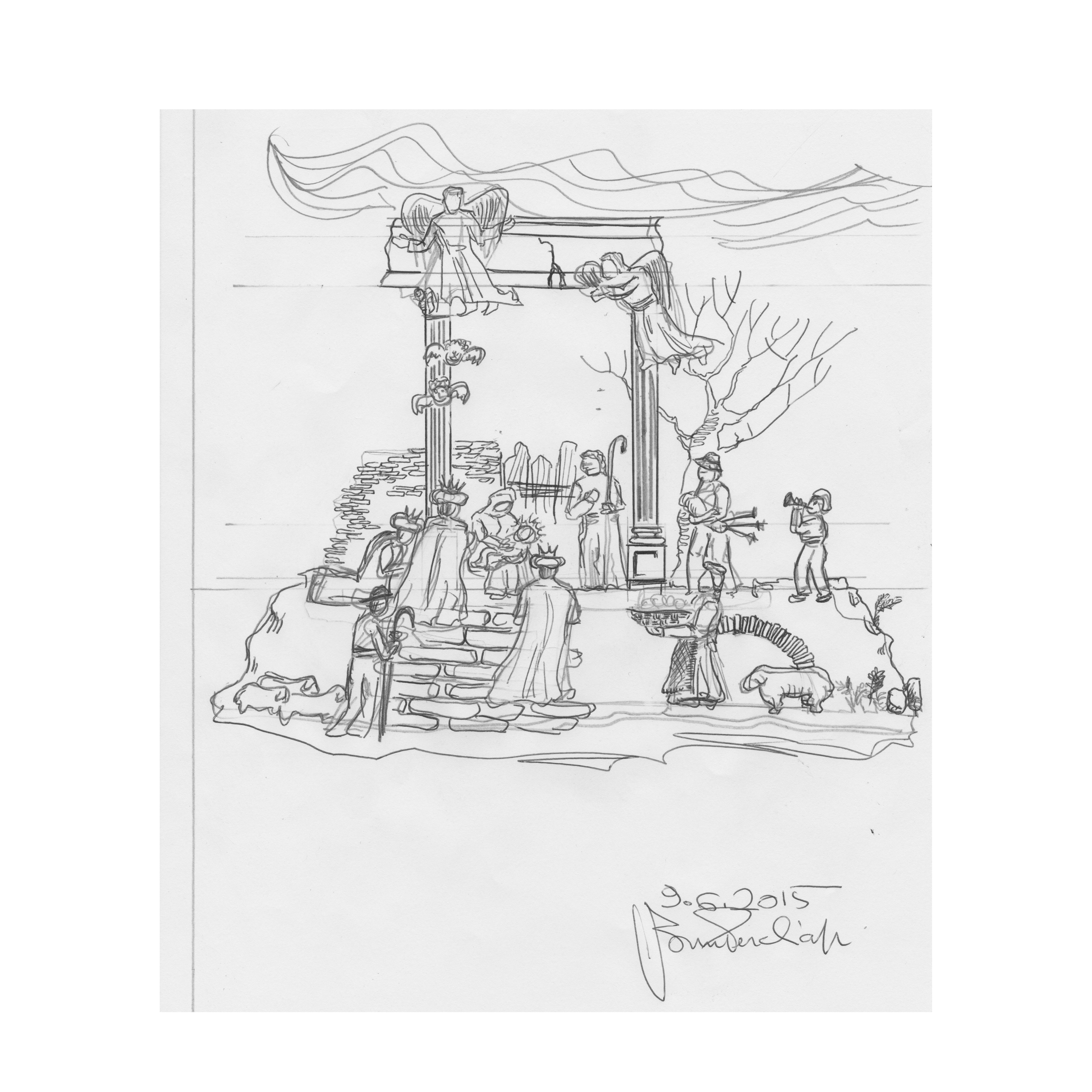
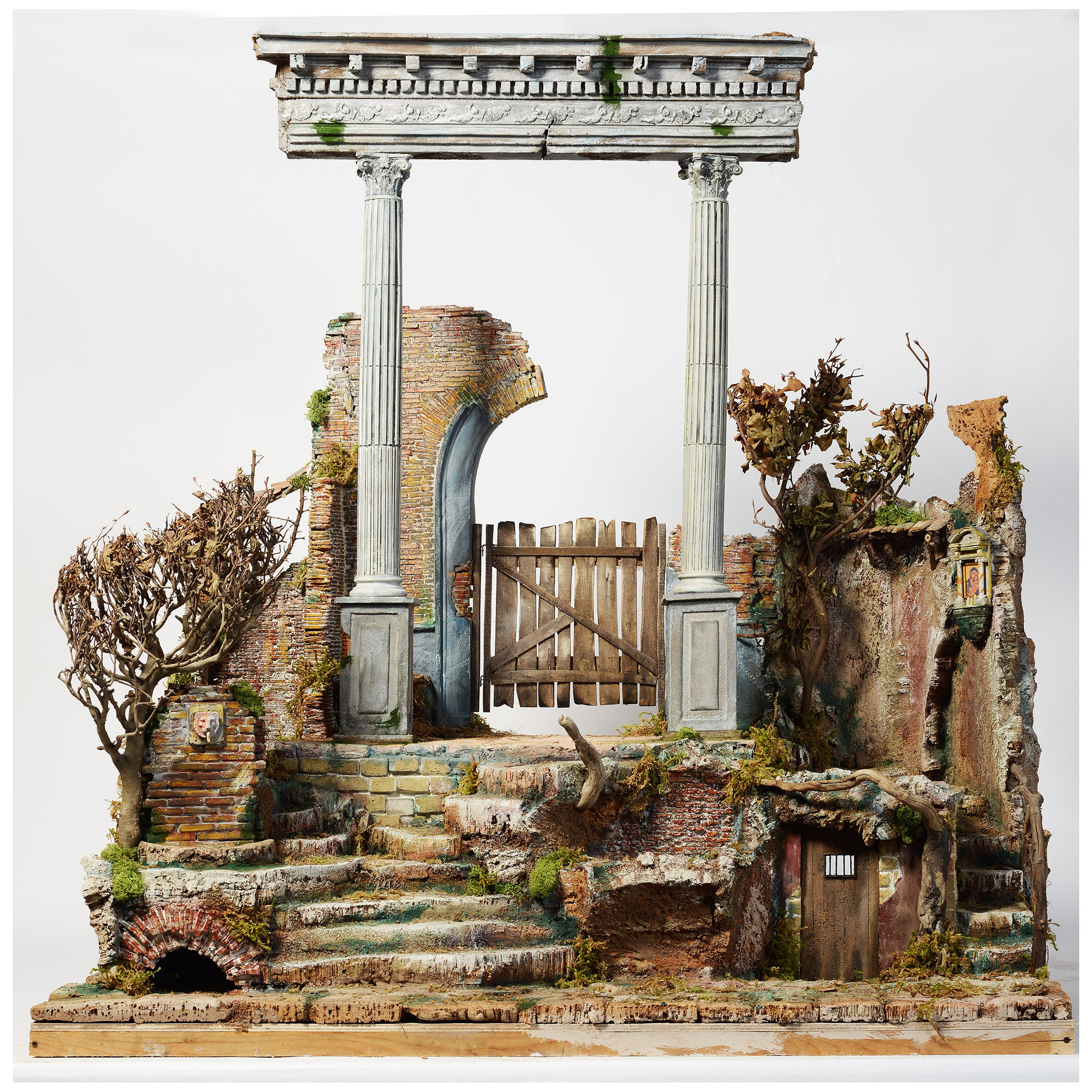
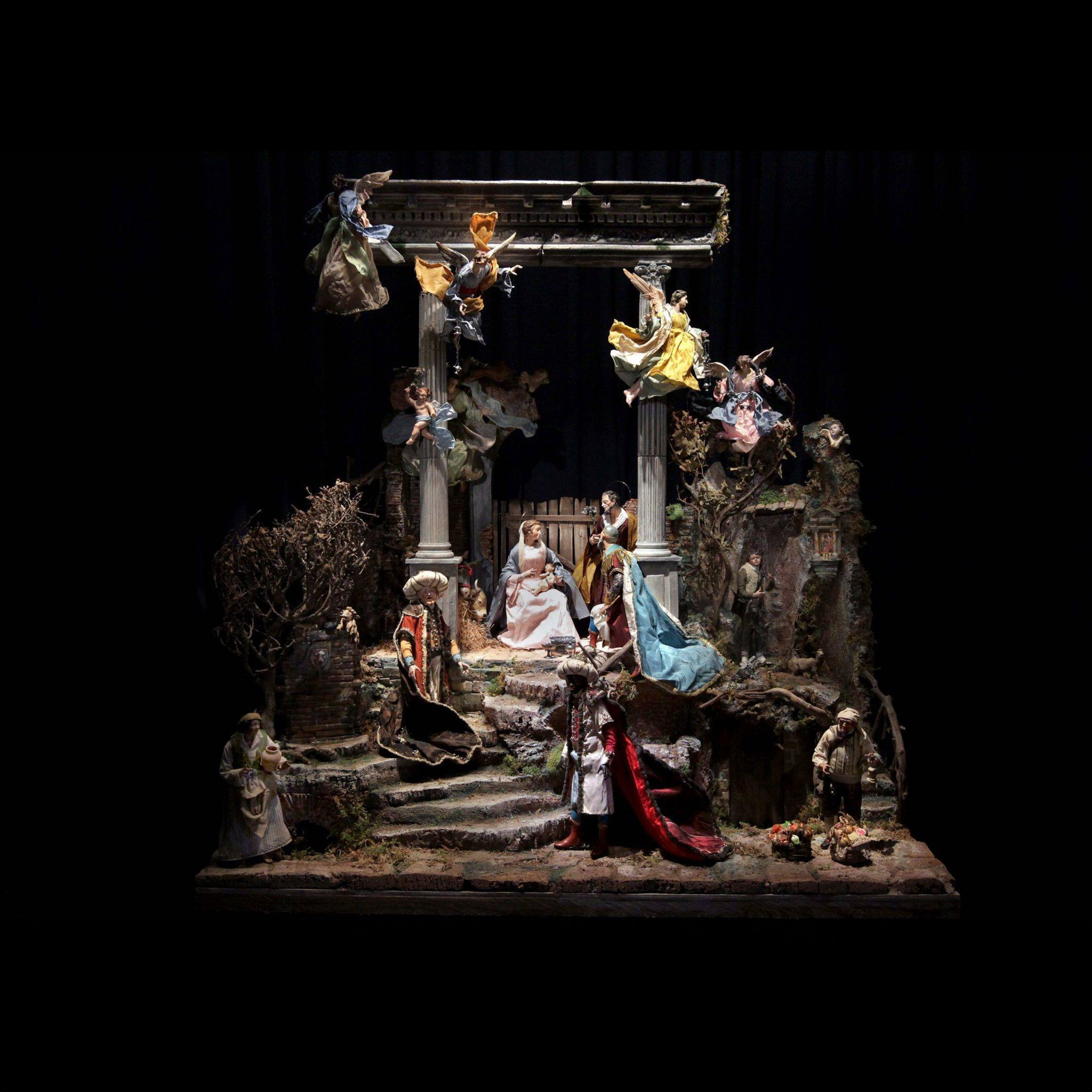
TheaXRe is a birthday gift for Bruno, who turns 80 in May 2026. Yet it is built for anyone who composes scenes on a table. Whether you are a presepista arranging a village, a production designer sketching set arrangements, an XR prototyper testing spatial layouts, or a teacher building a diorama, this tool requires no technical knowledge—only your imagination and a drawing. It traces a straight line from Celeste stepping into her sketches to Bruno walking through his landscapes in AR.
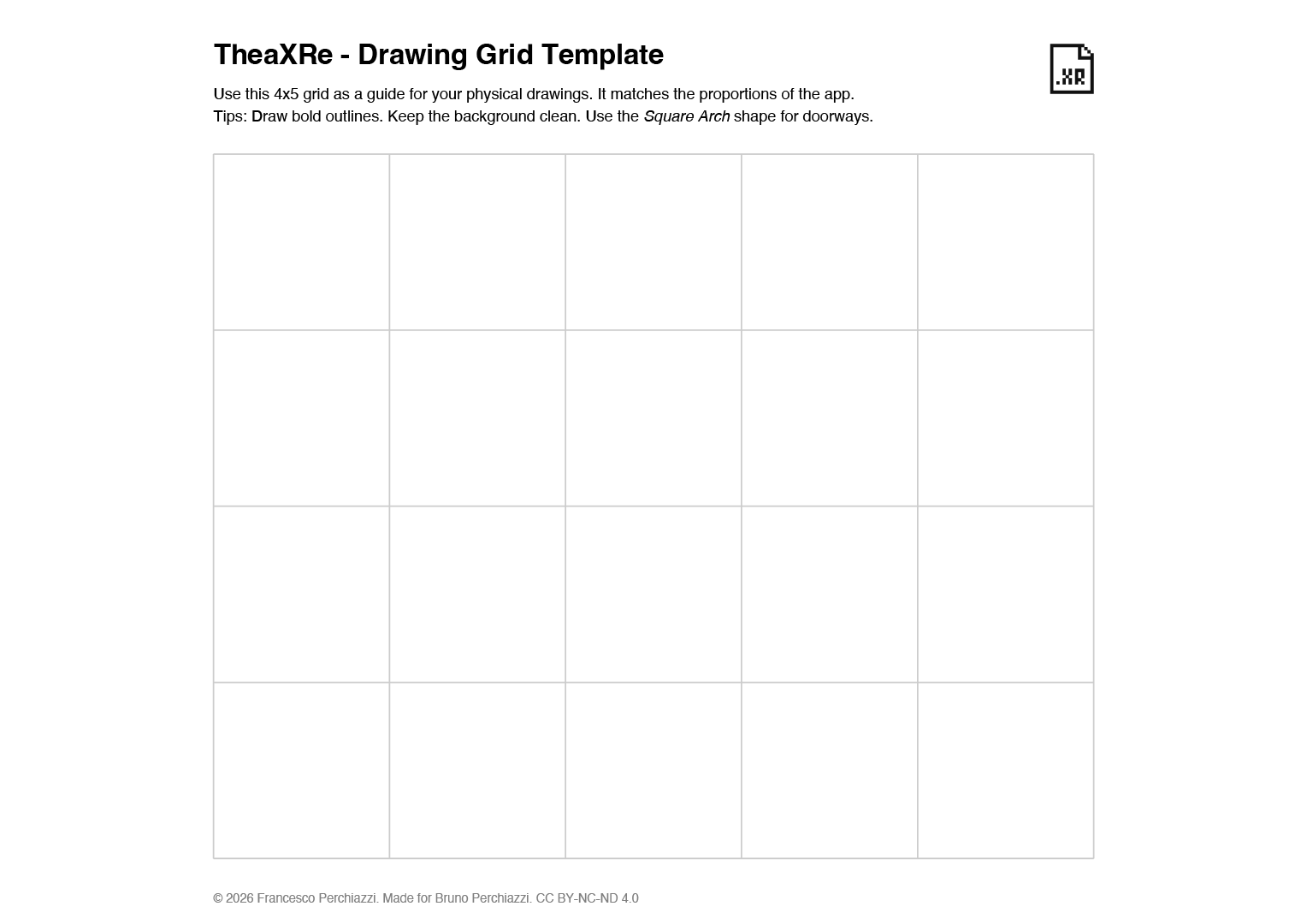
Photograph the drawing. Generate the file. Open it on your phone.
It will be there, in your room, at real scale. No account. No cloud. No subscription.
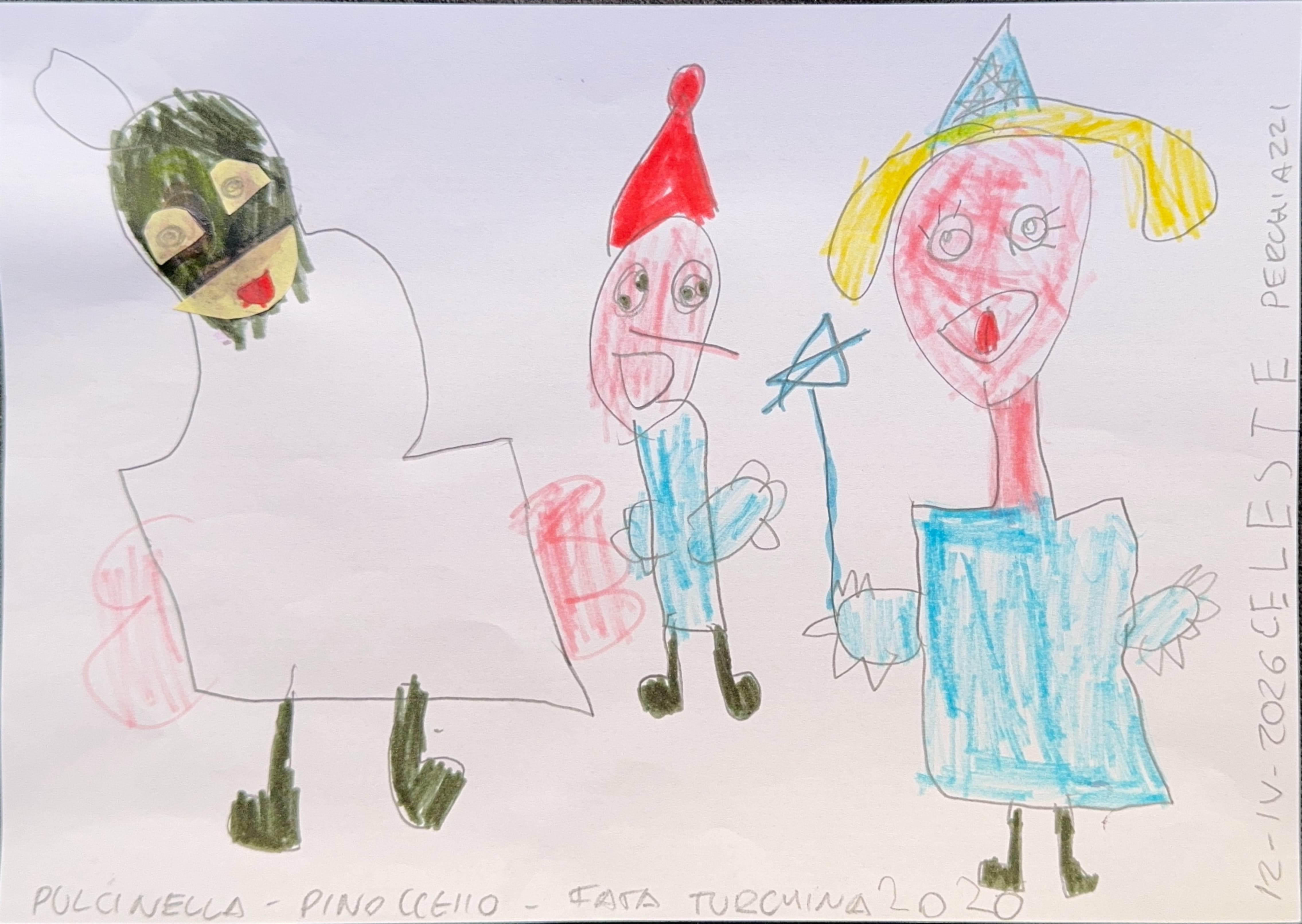
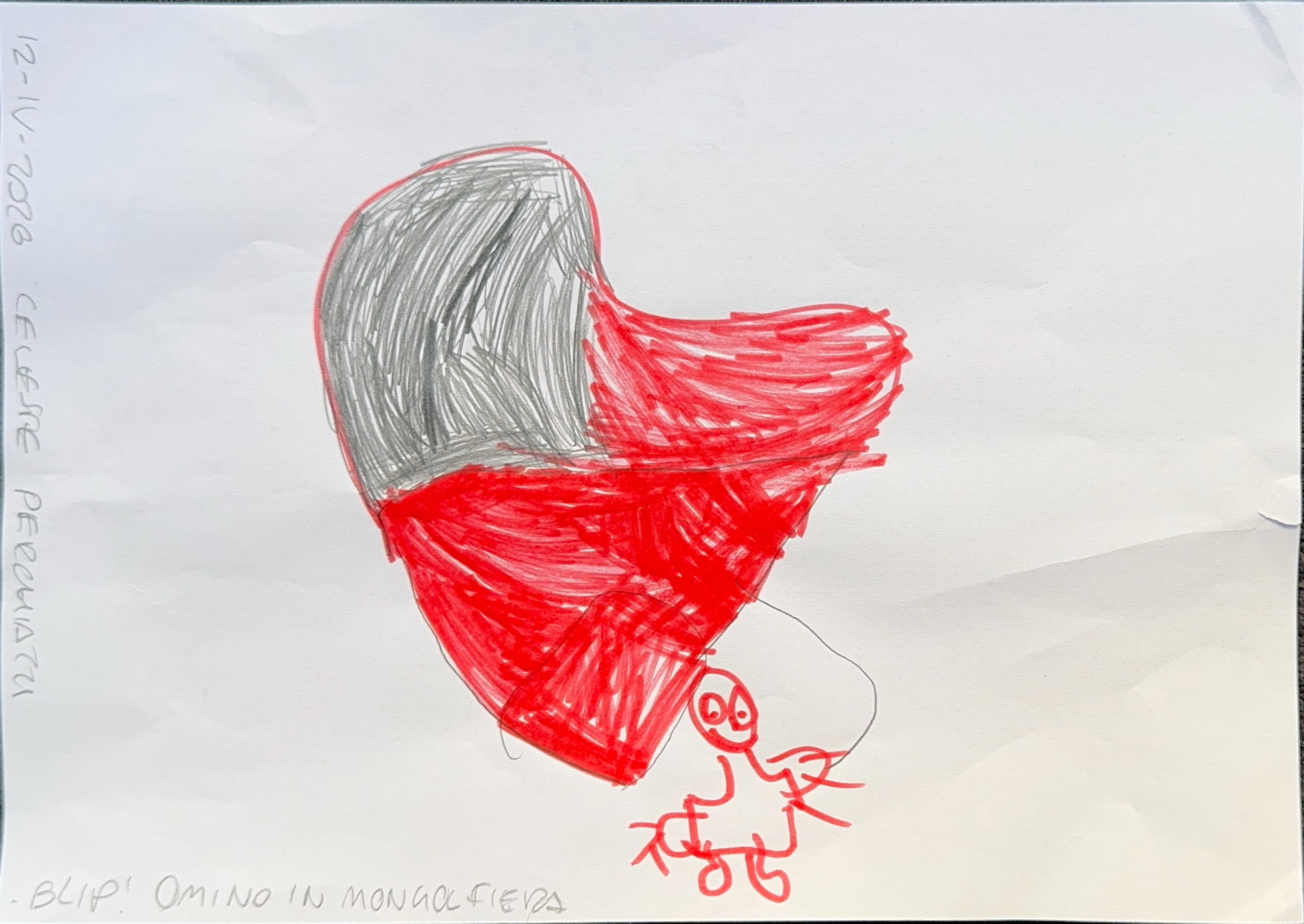
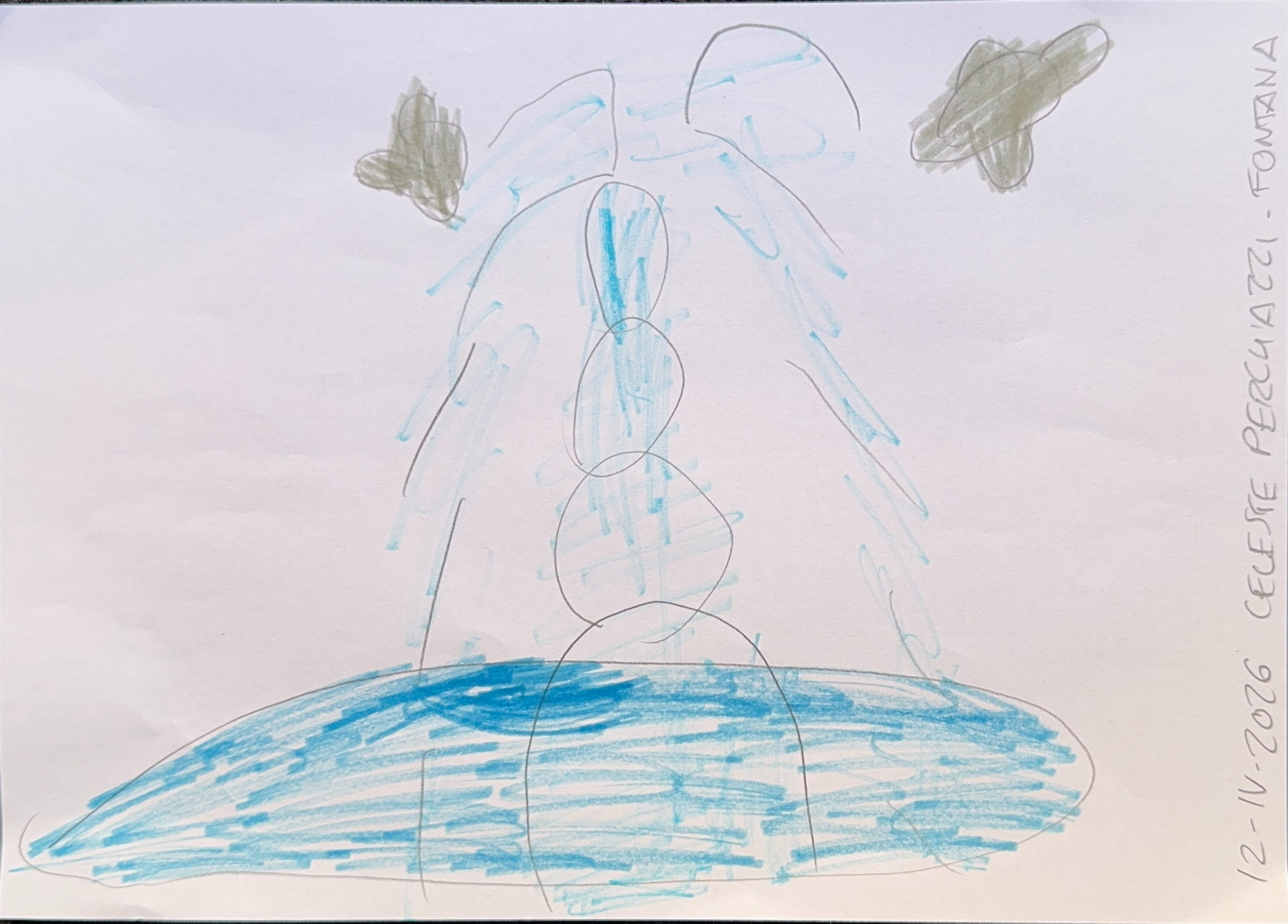
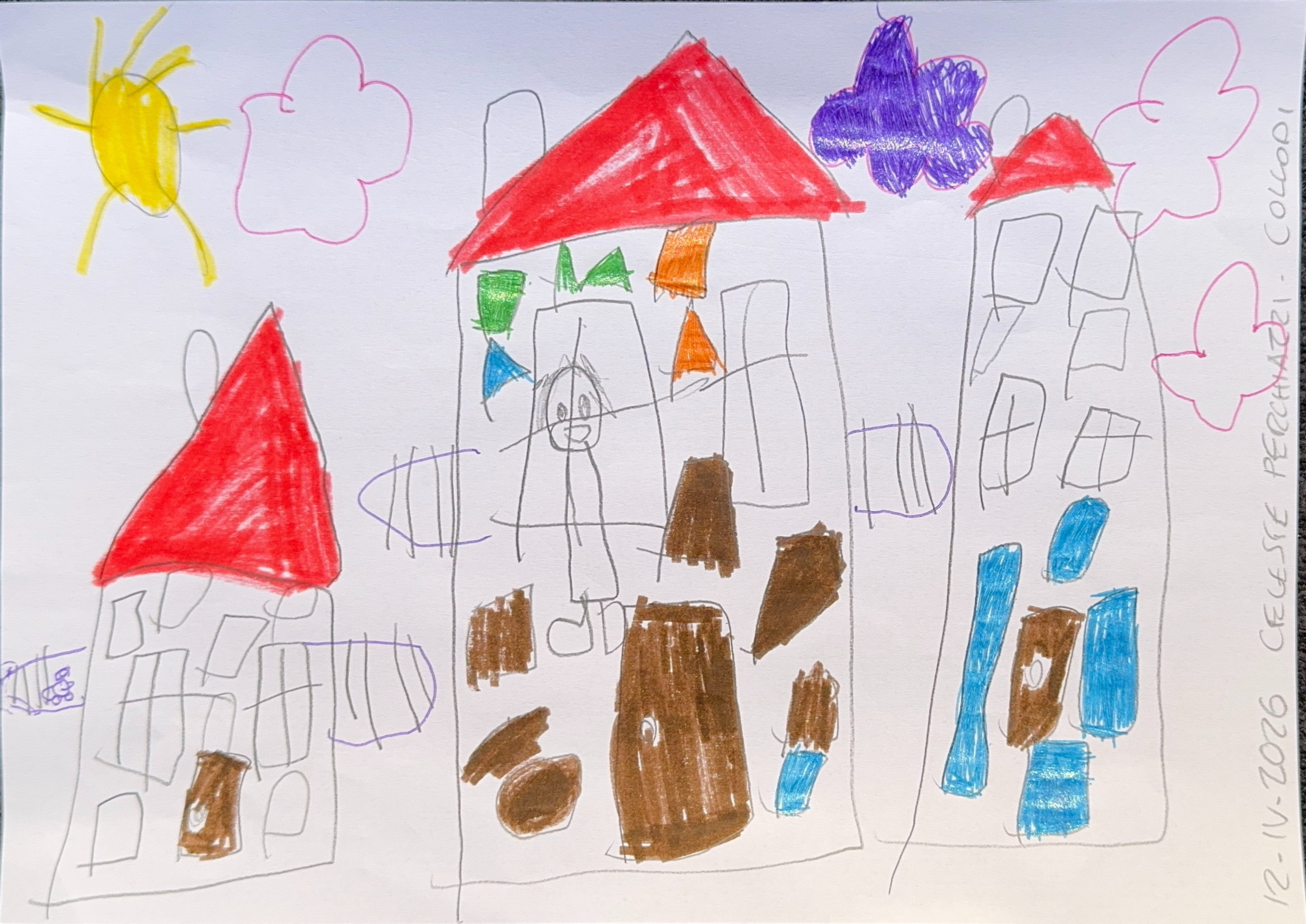
Download Celeste’s model.
Figma → export → preview in Reality Composer Pro or Keynote.
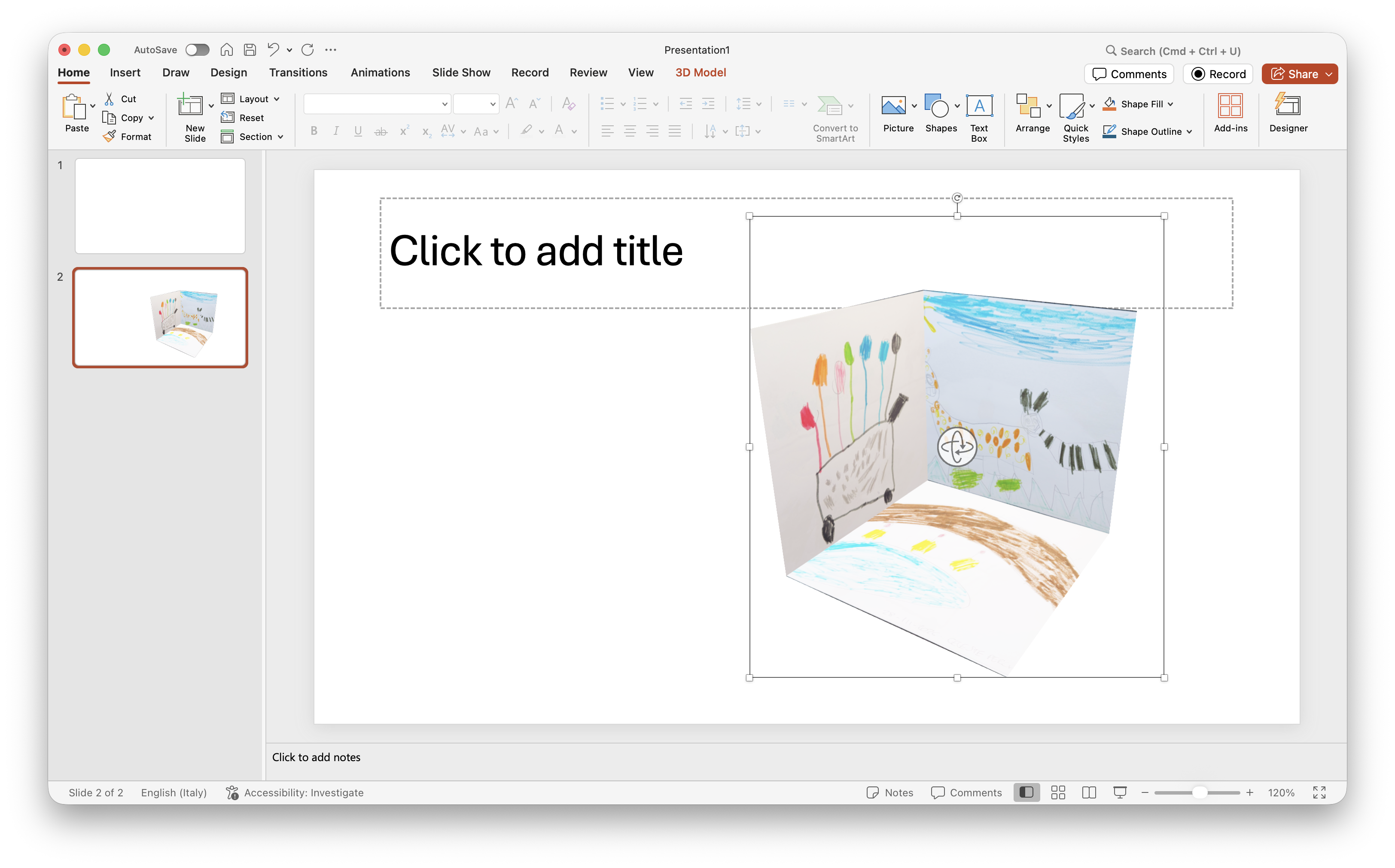
For presentations, export GLB and drag it into Microsoft PowerPoint.

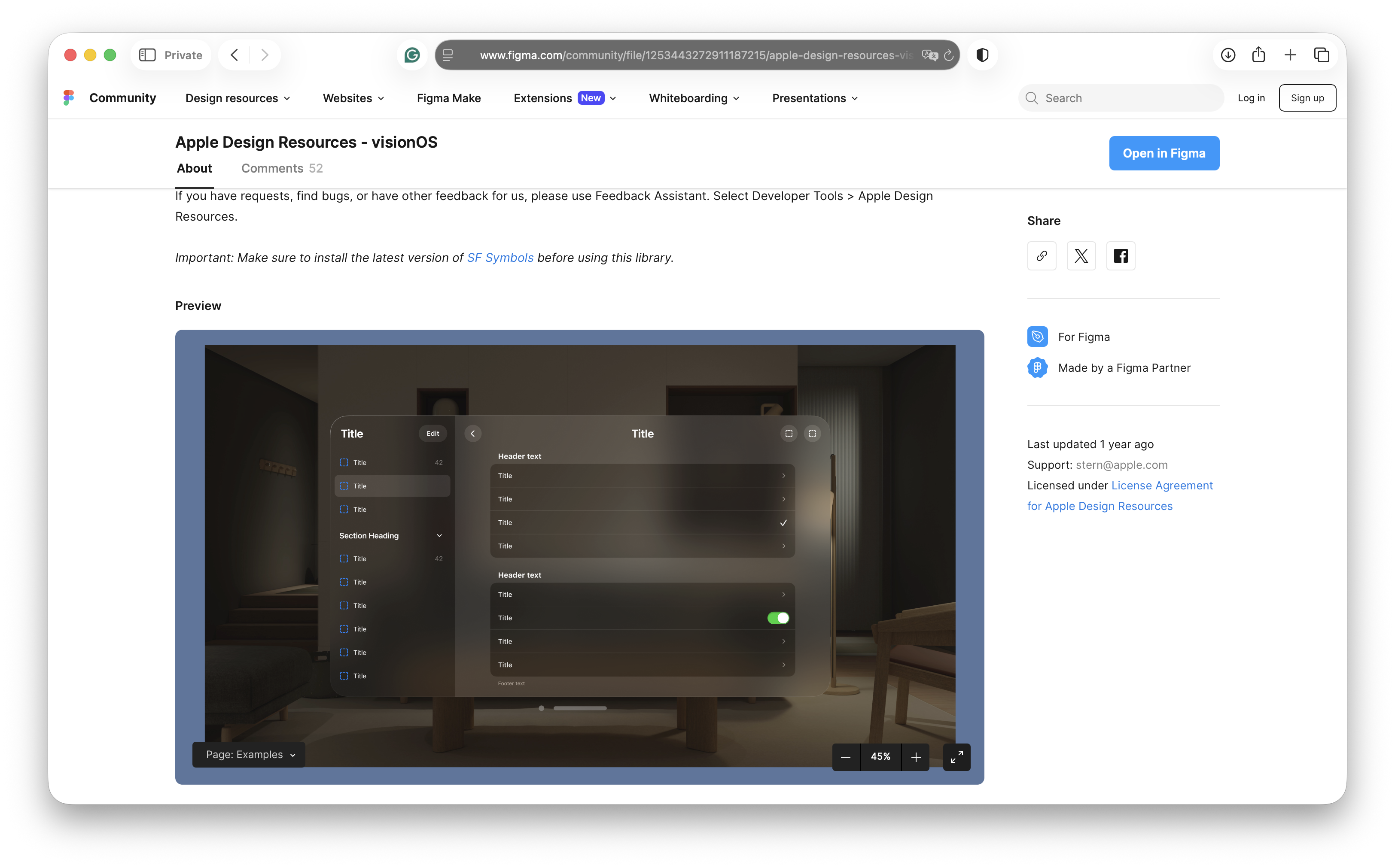
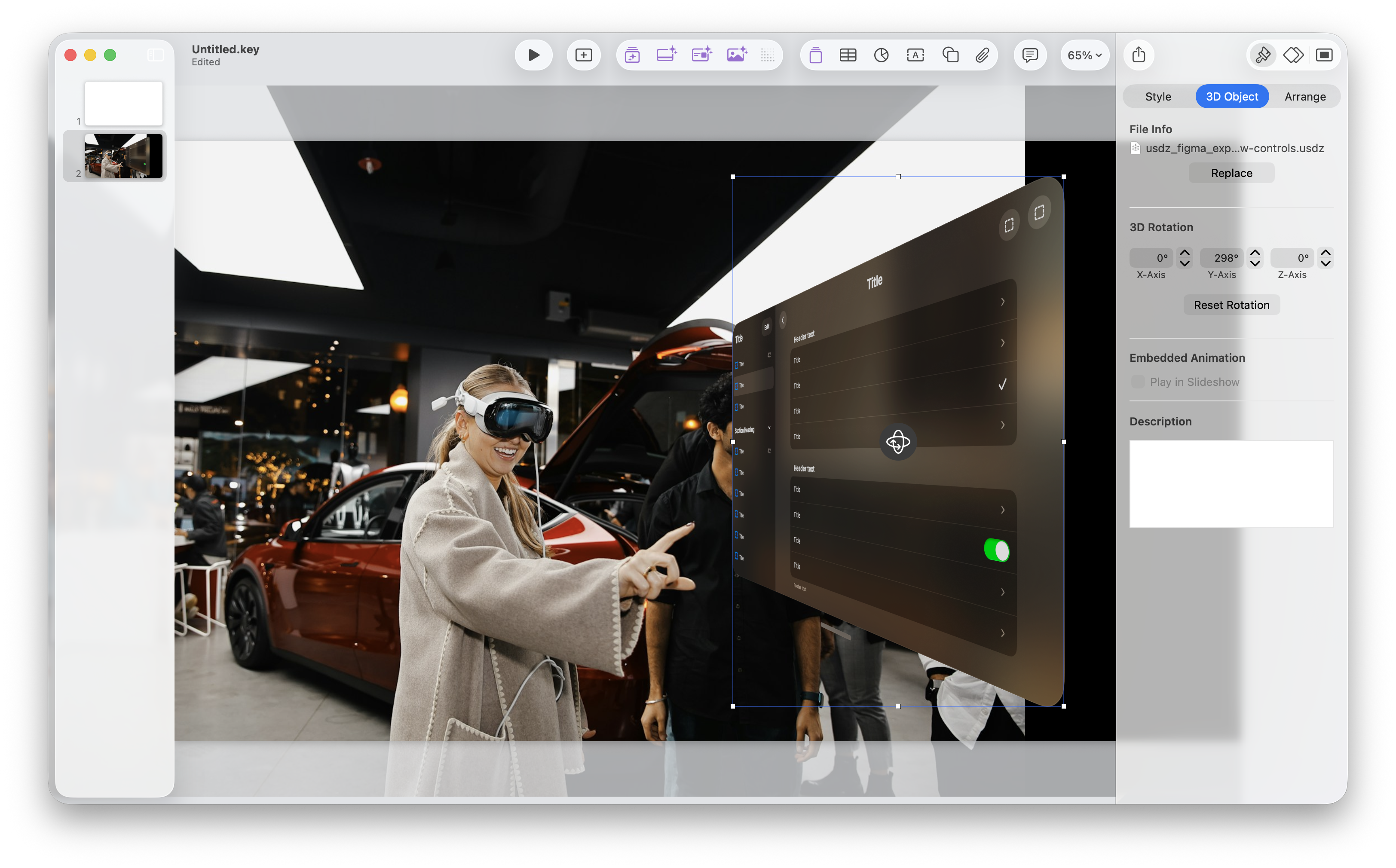
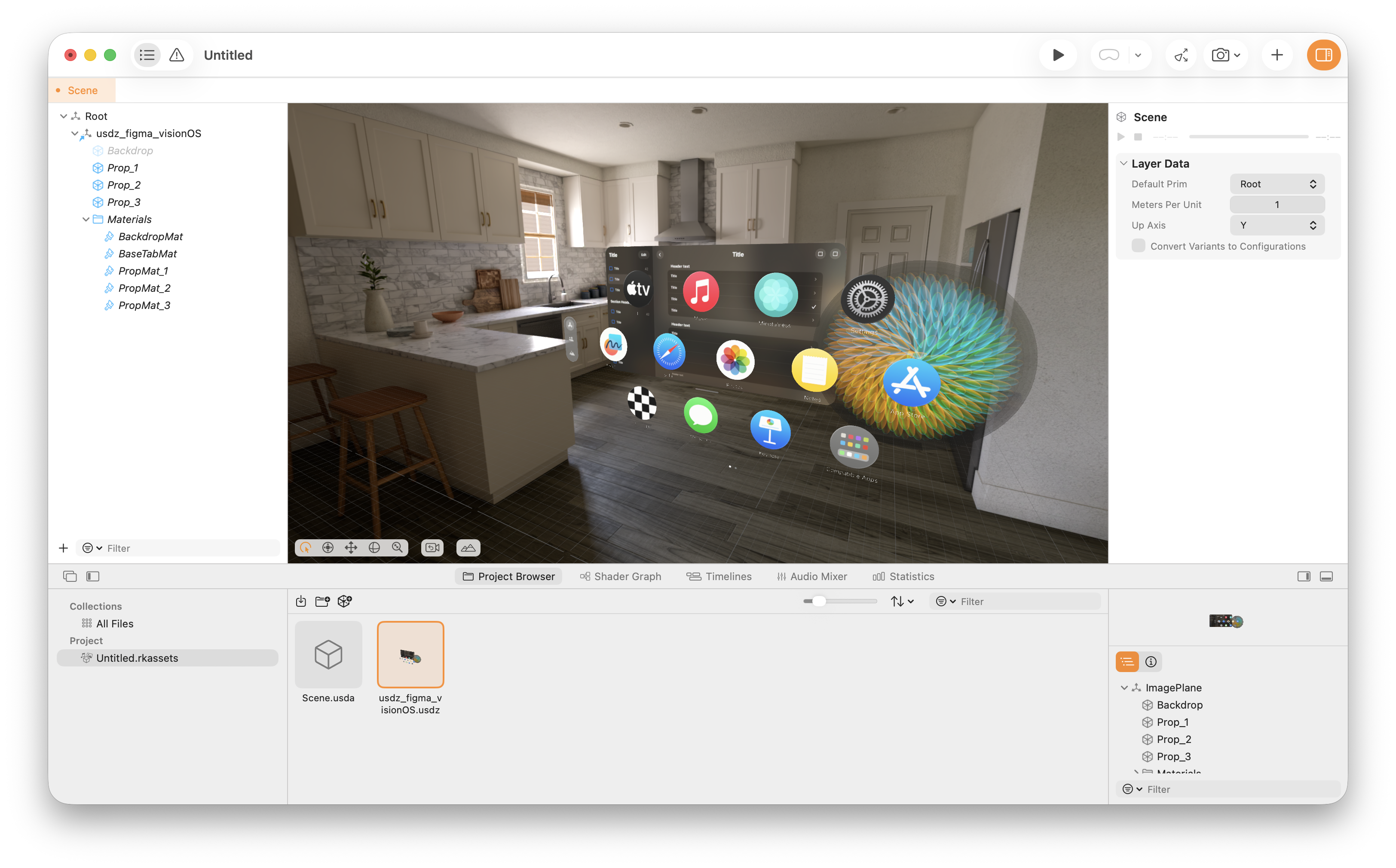
Download the visionOS demo model.
Want to prototype a game scene fast? Download Godot (free, open-source) and drag your exported .glb straight into a 3D project. Use TheaXRe to iterate on scale and composition, then test your level layouts and props in-engine.
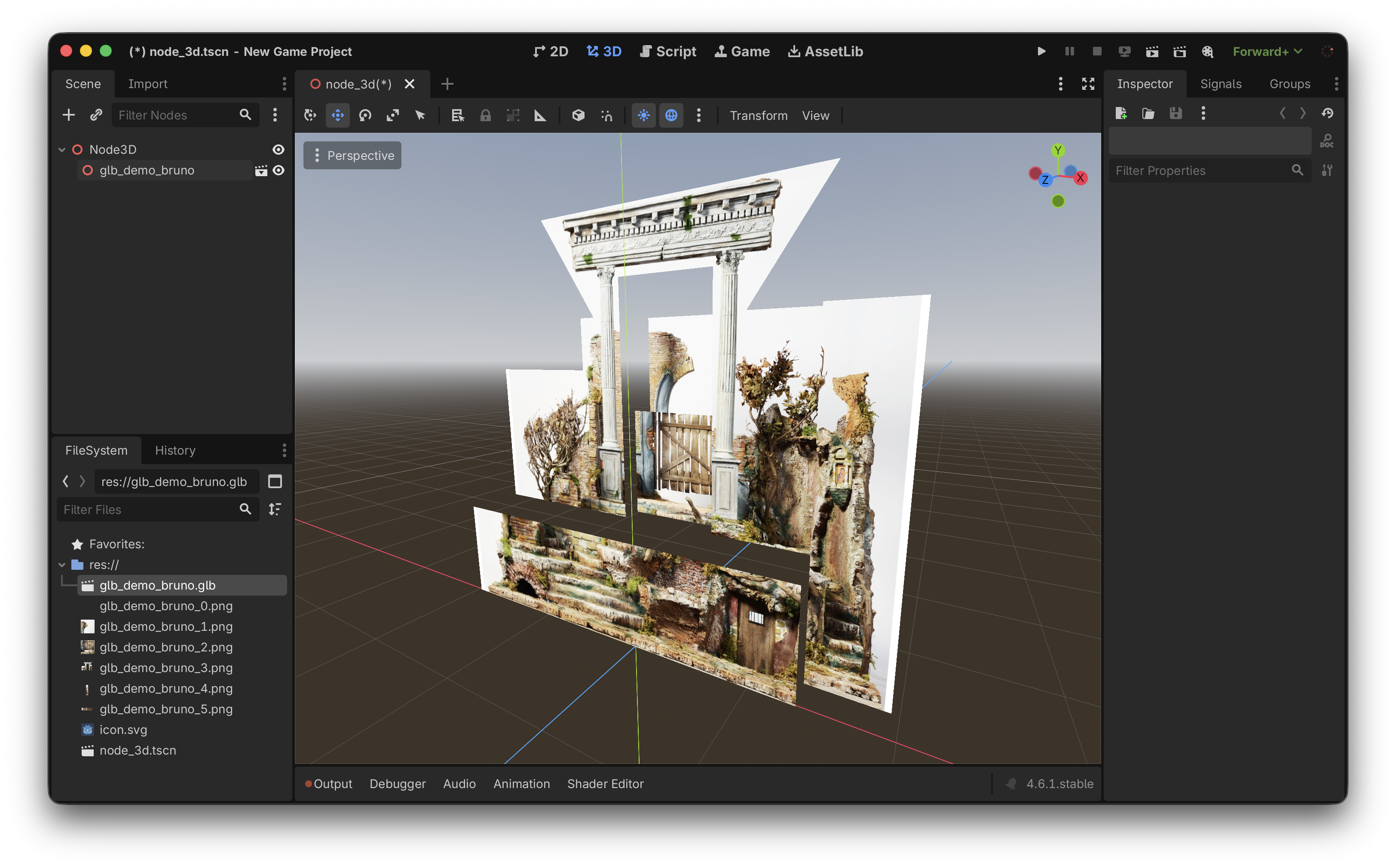
Download Bruno’s demo model.
Keynote example photo by Ali Colak on Unsplash.
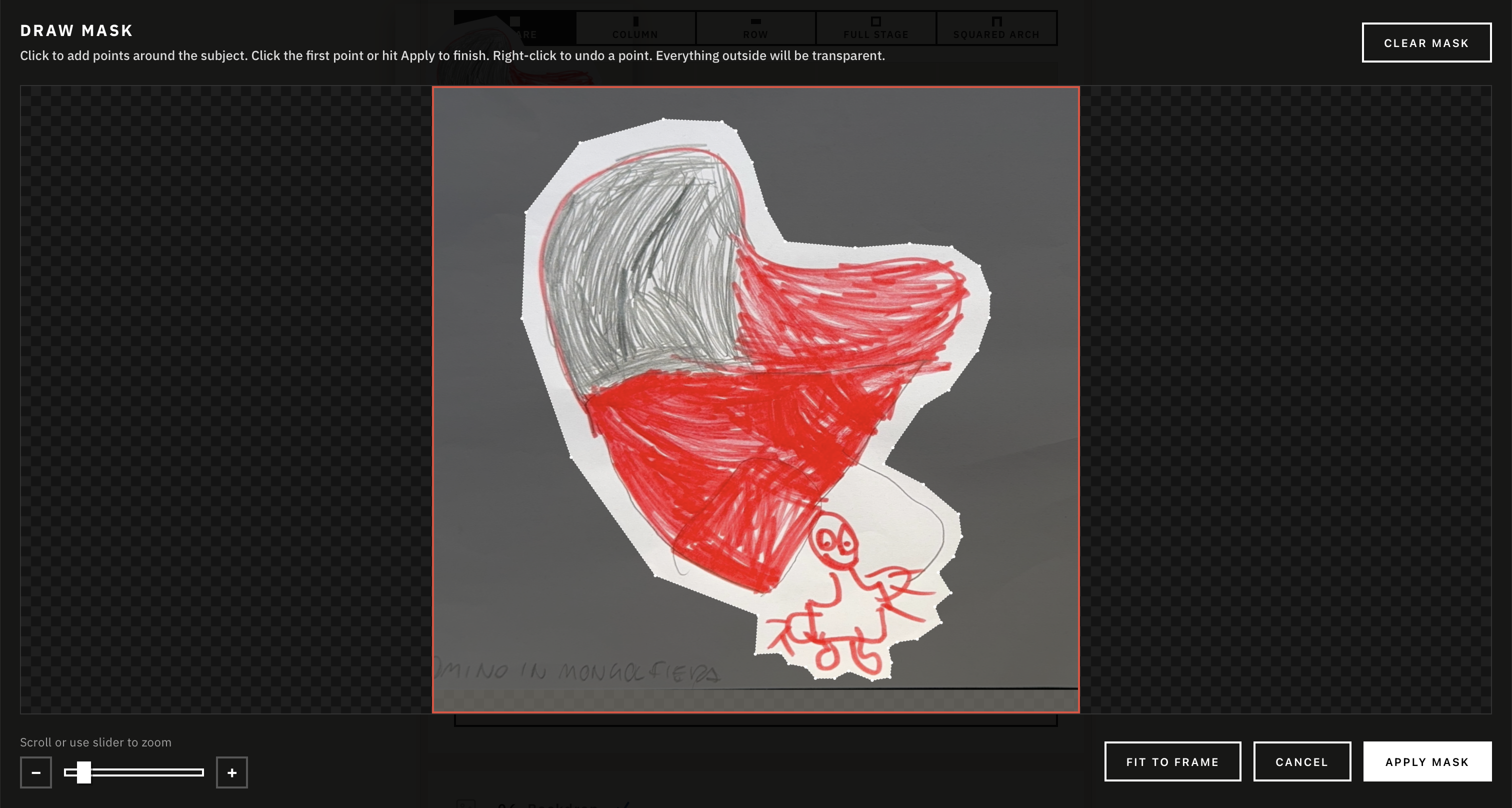
Draw Mask
Click to add points around the subject. Click first point or hit Apply to finish. Right-click to undo point. Everything outside will be transparent.